What it does
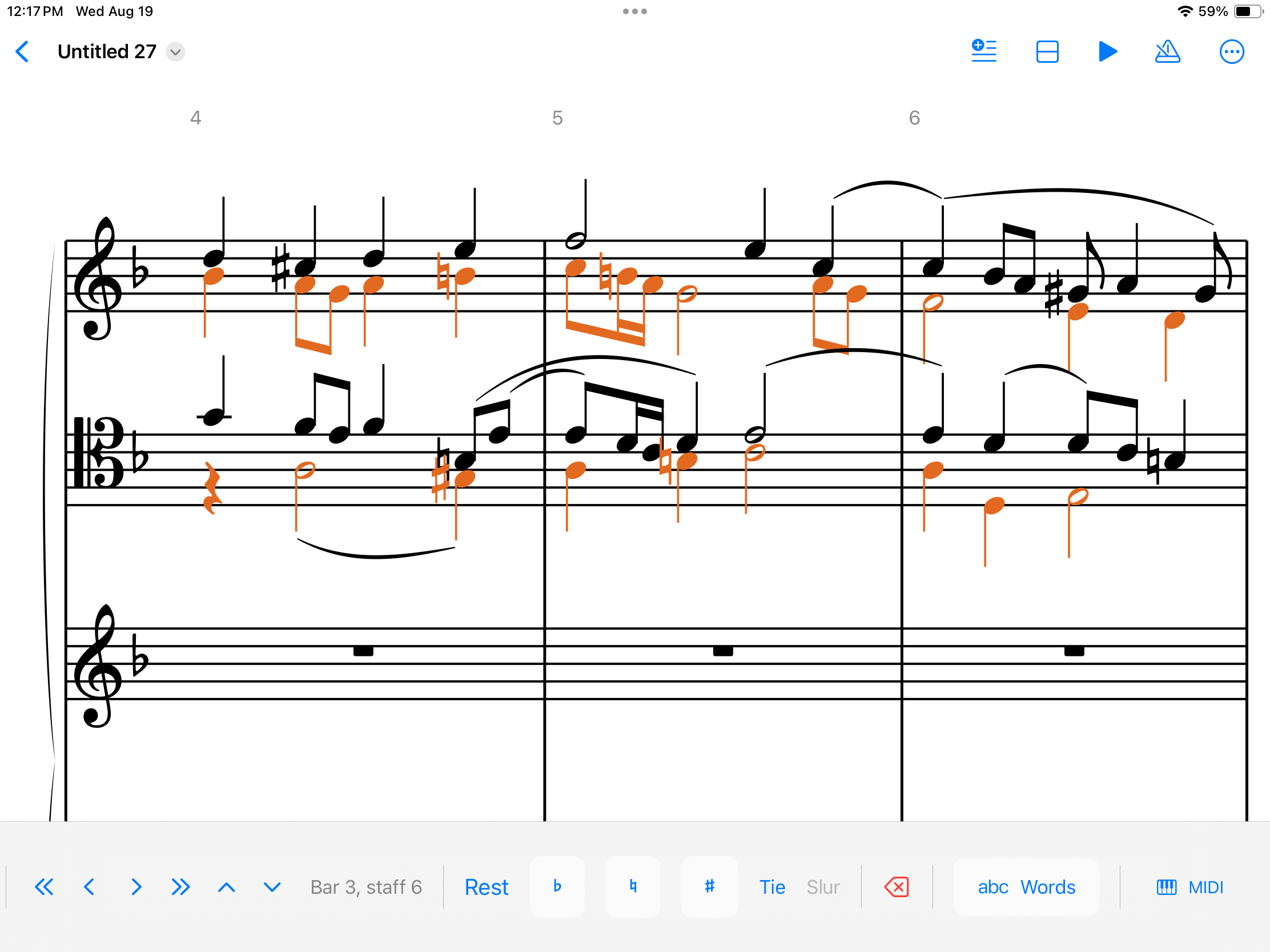
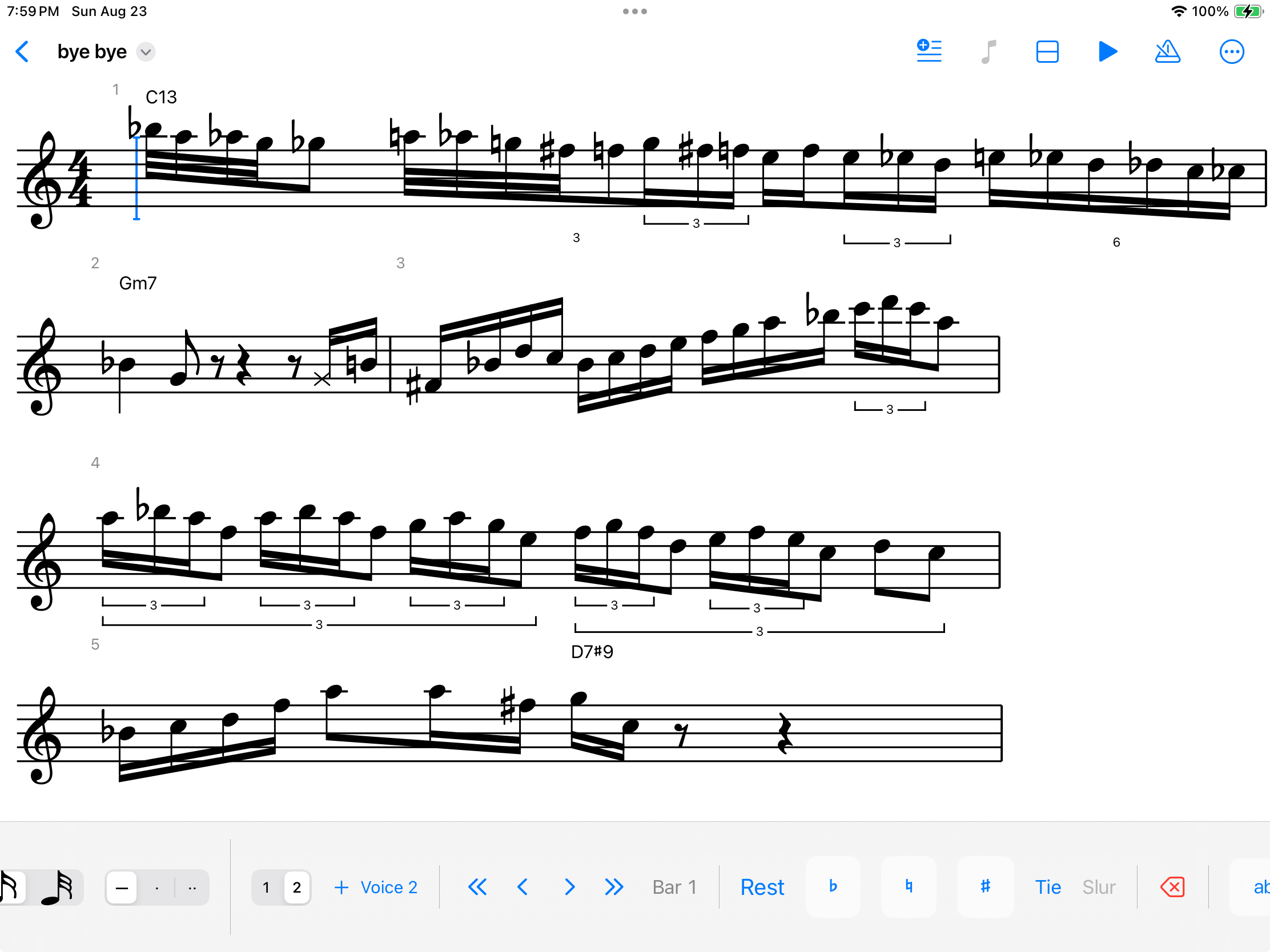
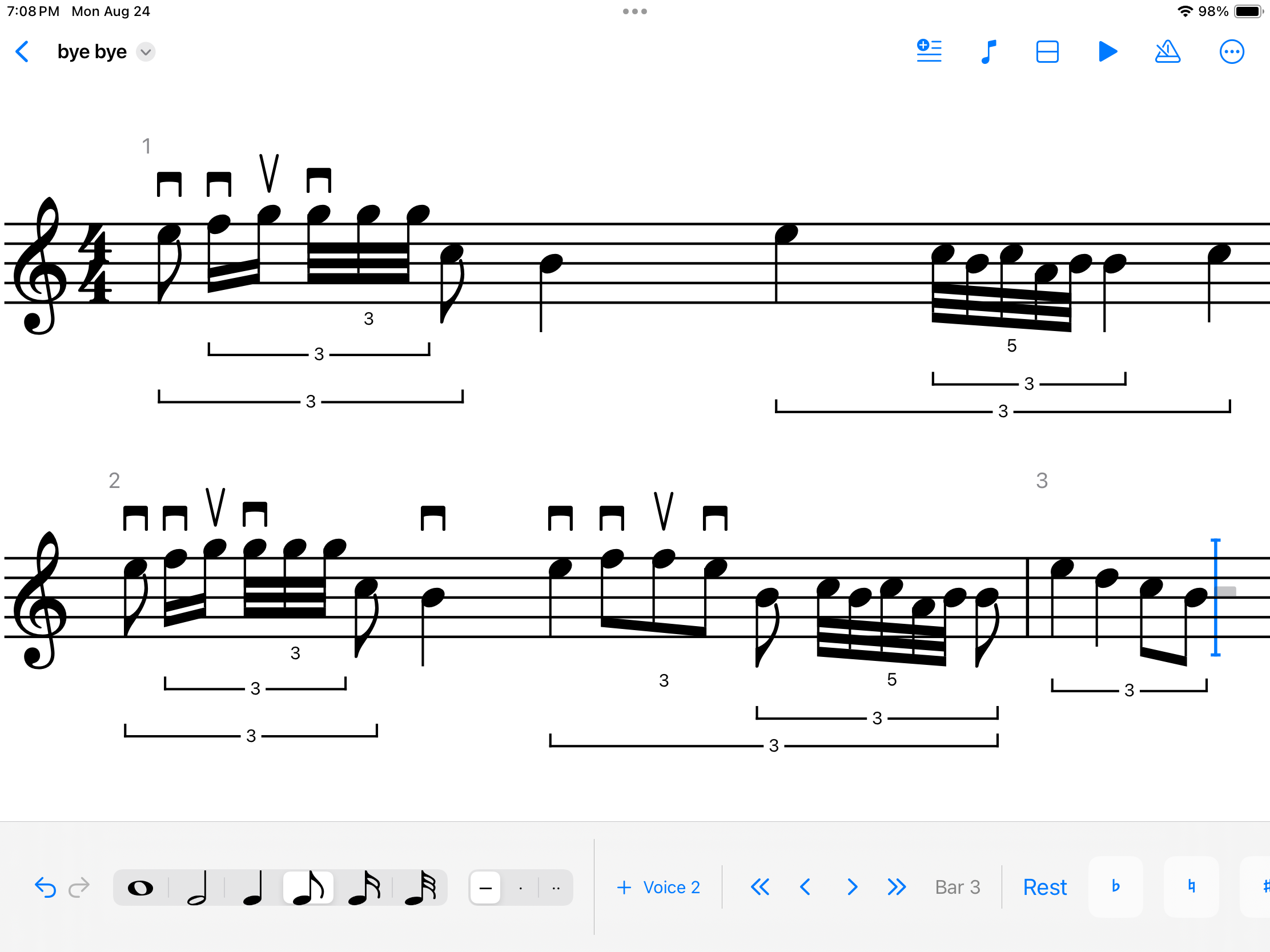
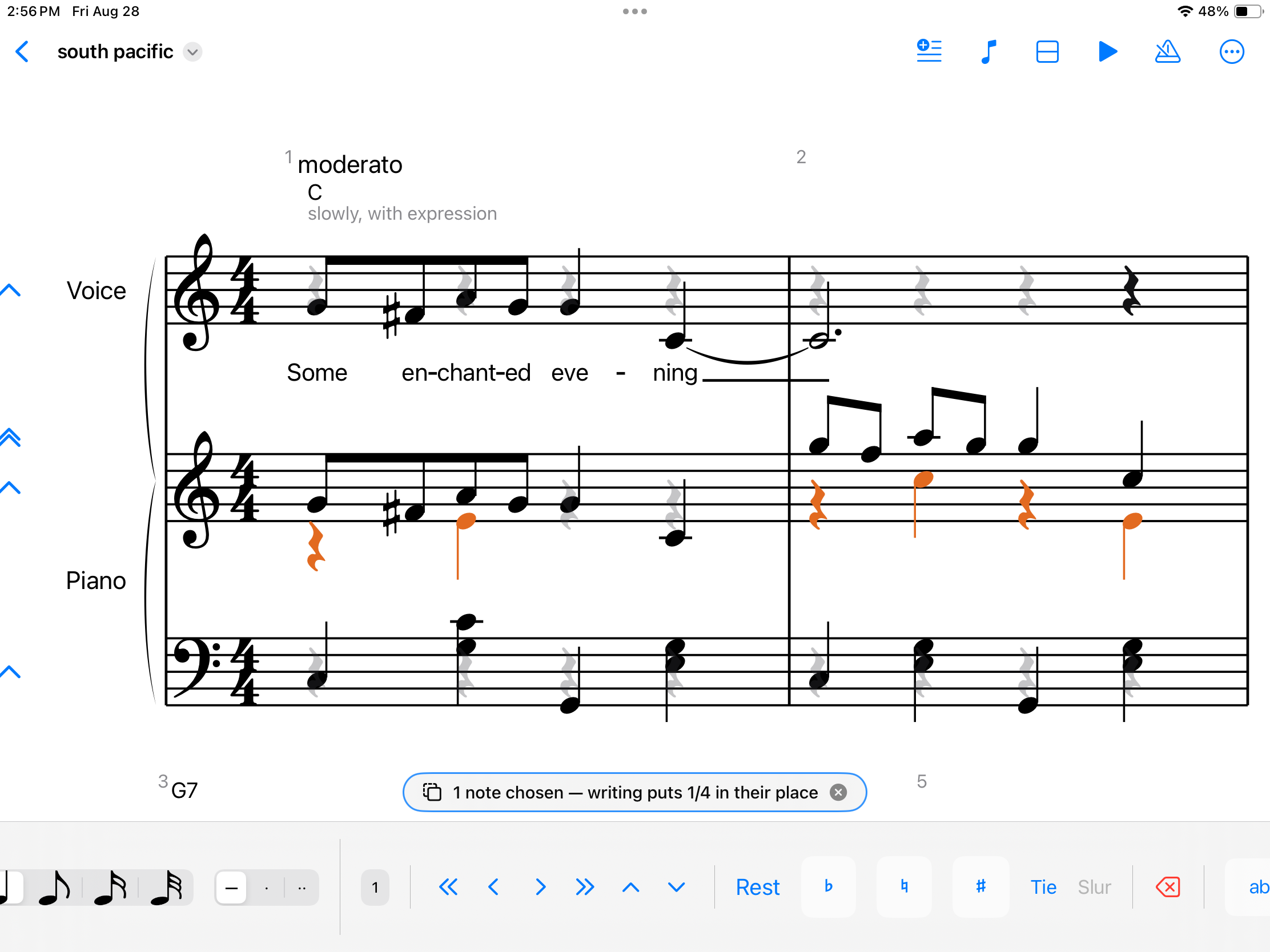
You write on the staff the way you would on paper. Autograph reads the stroke and sets it properly: the notehead on the right line, the stem the right way up, the beams and accidentals where an engraver would put them. The handwriting disappears; the music stays.
It is built for the moment before a piece is finished: working out a phrase, writing an exercise for a student, getting an idea down before it goes. Not for typesetting a symphony.
Also
- Ask an AI assistant, on the Mac. Claude Code, Claude Desktop or any assistant that speaks MCP can read the open score and edit it while you watch: write a bass line, transpose a passage, add a dynamic. Each request is one step you can undo. Set it up once from Help, and see the videos below.
- Hear it back. Every bar plays back, so a wrong note is something you notice rather than something you find later.
- Type or play it instead. A keyboard and a MIDI keyboard both write notes, if that suits the moment better than handwriting.
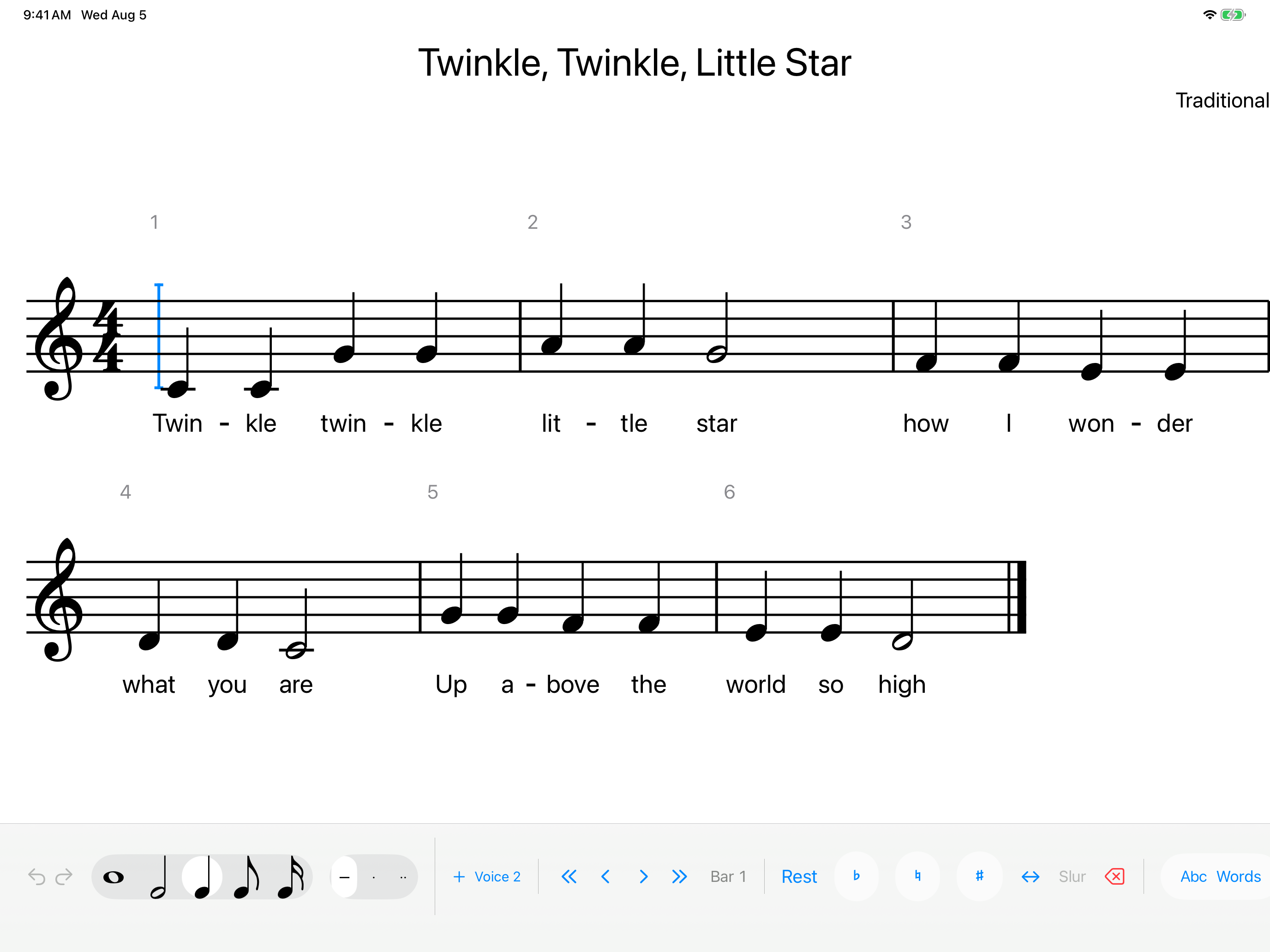
- Two hands, several voices, lyrics. Grand staff, multiple voices to a staff, words under the notes.
- It leaves with you. Export PDF for printing, MusicXML for Sibelius, Finale, Dorico or MuseScore, and MEI for scholarly work. Open other people's MusicXML and MEI files too.
- Learning counterpoint? Gradus, the companion app, grades species counterpoint as you write it.
Learning Autograph
Short walk-throughs of the things worth knowing first.
What it looks like
What you need
- An iPad running iPadOS 17 or later, or a Mac running macOS 14 or later
- Both read and write the same files, and scores in iCloud Drive appear on each. Handwriting is the iPad's; on a Mac you click, type or play a MIDI keyboard. There is no iPhone version.
- An Apple Pencil, for the handwriting
- Any generation, including the 1st. Everything else, from placing notes to editing, playback and export, works with a finger, so the app is usable without one.
What it costs
Autograph is on the App Store for iPad and Mac, and free to download.
Reading, playback, importing and exporting are free, and always will be. Editing is unlocked for 28 days from when you first open the app. After that it is a one-time purchase of $29.99, with every future update included. No subscription. One purchase covers both: buy it on your iPad and it is unlocked on your Mac too.
Gradus, for counterpoint
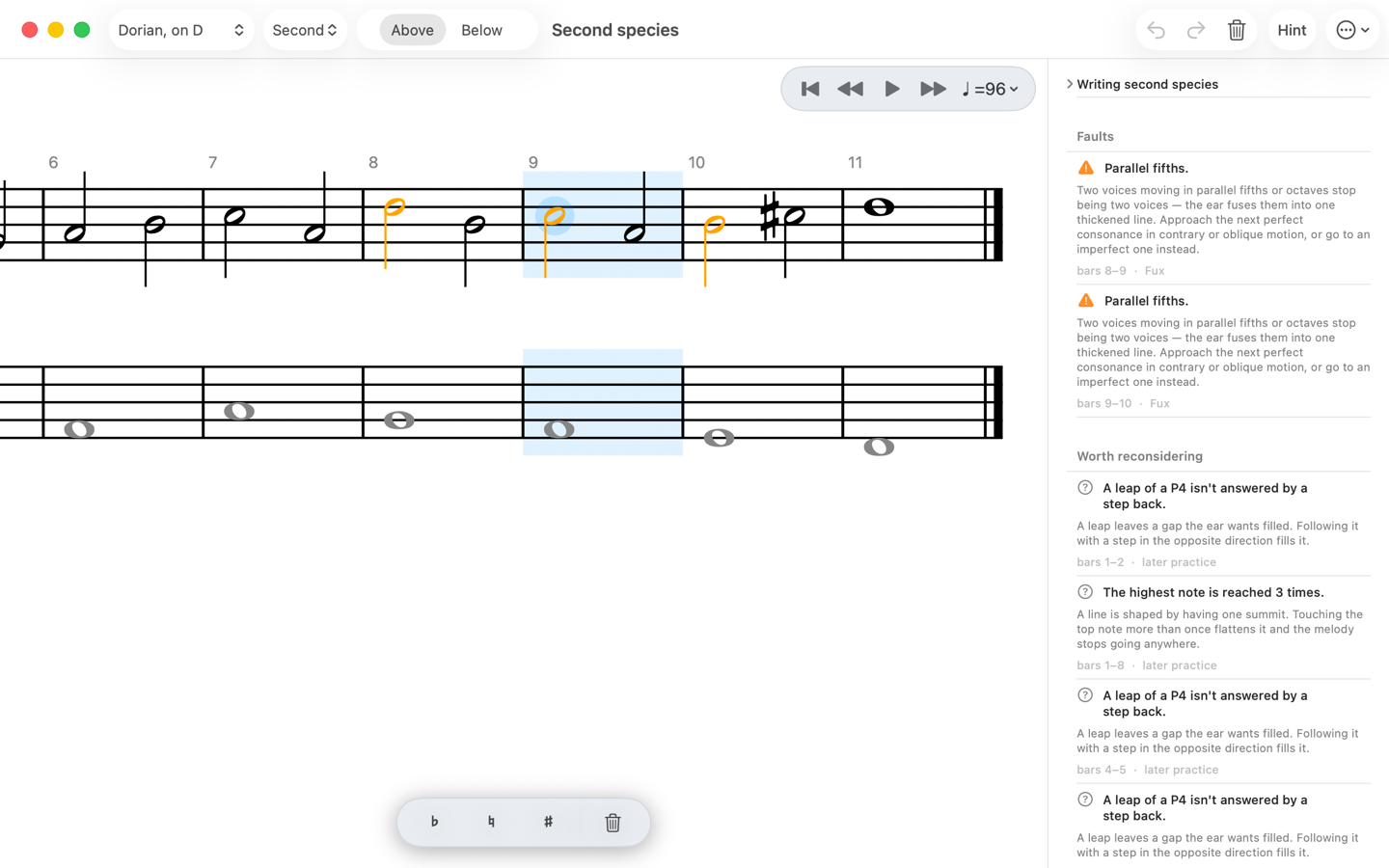
Gradus is a companion app that teaches species counterpoint, the discipline every composer from Haydn to Brahms learned from, and grades your work as you write. Choose one of Fux's cantus firmi, write a line above or below it, and each fault is marked on the staff and explained in plain words beside it, with what to try instead.
- All five species, over Fux's six cantus firmi in every mode, with your line above the cantus or below it as the bass.
- Graded the way a good teacher would. Faults are kept apart from things worth reconsidering, and every rule says whether it is Fux's own or later practice. Fux's worked answers from the 1725 Gradus ad Parnassum are accepted as written.
- Hear it on strings, or as pure tones to hear the intervals themselves.
- When you're stuck, ask for a hint, or have Gradus finish your line from where you are.
- On iPad and Mac. Write with an Apple Pencil or tap on the iPad; click and drag on the Mac. Export any exercise as PDF, MusicXML or an Autograph score.
Gradus is $7.99, paid once, with every future update included. No trial, no subscription and no account, and one purchase covers both iPad and Mac. It is sold separately from Autograph.
Who made it
One person, in Toronto. I am a singing student as well as a developer, and Autograph started because writing music down on an iPad was worse than writing it on paper, and it did not seem like it had to be.
If you teach, I would genuinely like to hear what breaks and what is missing. autographapp@icloud.com.